Ghostty 是前几天刚刚开源的终端模拟器,经过了两年开发和测试,终于发布了1.0版本并且在 Github 上开源,使用 Zig 作为主要编程语言,再配合各个平台的原生界面进行开发,支持了各种现代终端该有的功能,例如多标签,窗口分割、字体特性等你,并且都拥有很好的体验。
在得知发布的第一时间,我就立刻安装并进行体验,也才有了这篇文章,我会分享我的使用体验和一些基础配置,帮助你快速上手。
安装
Ghostty 目前支持 MacOS 和 Linux 系统,我这里以 MacOS 为例,介绍安装过程,实际上很简单就是一行命令:
brew install --cask ghostty
Linux 安装方法在不同的发行版本中是不一样的,这里就不赘述了,可以到官网安装文档查看。
使用体验
Ghostty 基本的使用体验:
- 拥有良好的性能和界面设计,整体界面简介美观。
- 开箱即用,在未进行配置时就已经很好用,并且启动速度很快。
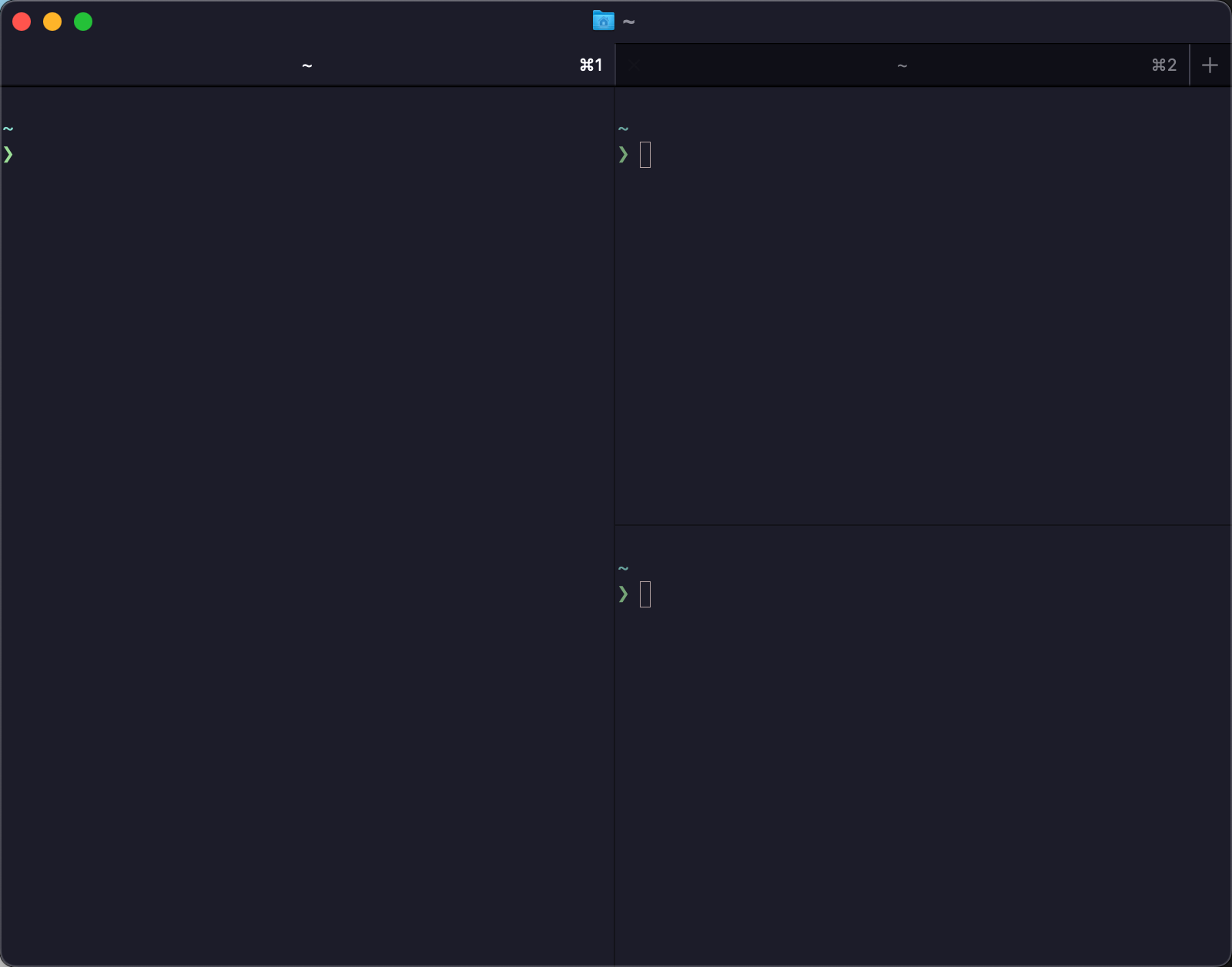
- 支持多标签、窗口分割等功能,不必再使用第三方软件提供。
基础配置
Ghostty 被设计为可以开箱即用,内置了JetBrains Mono字体,大部分用户无需任何配置就能够得到足够好用的体验,当然也同时提供了强大的配置系统,可以自定配置 Ghostty 的方方面面,这里我介绍一些我使用的一些基础配置。
主题设置
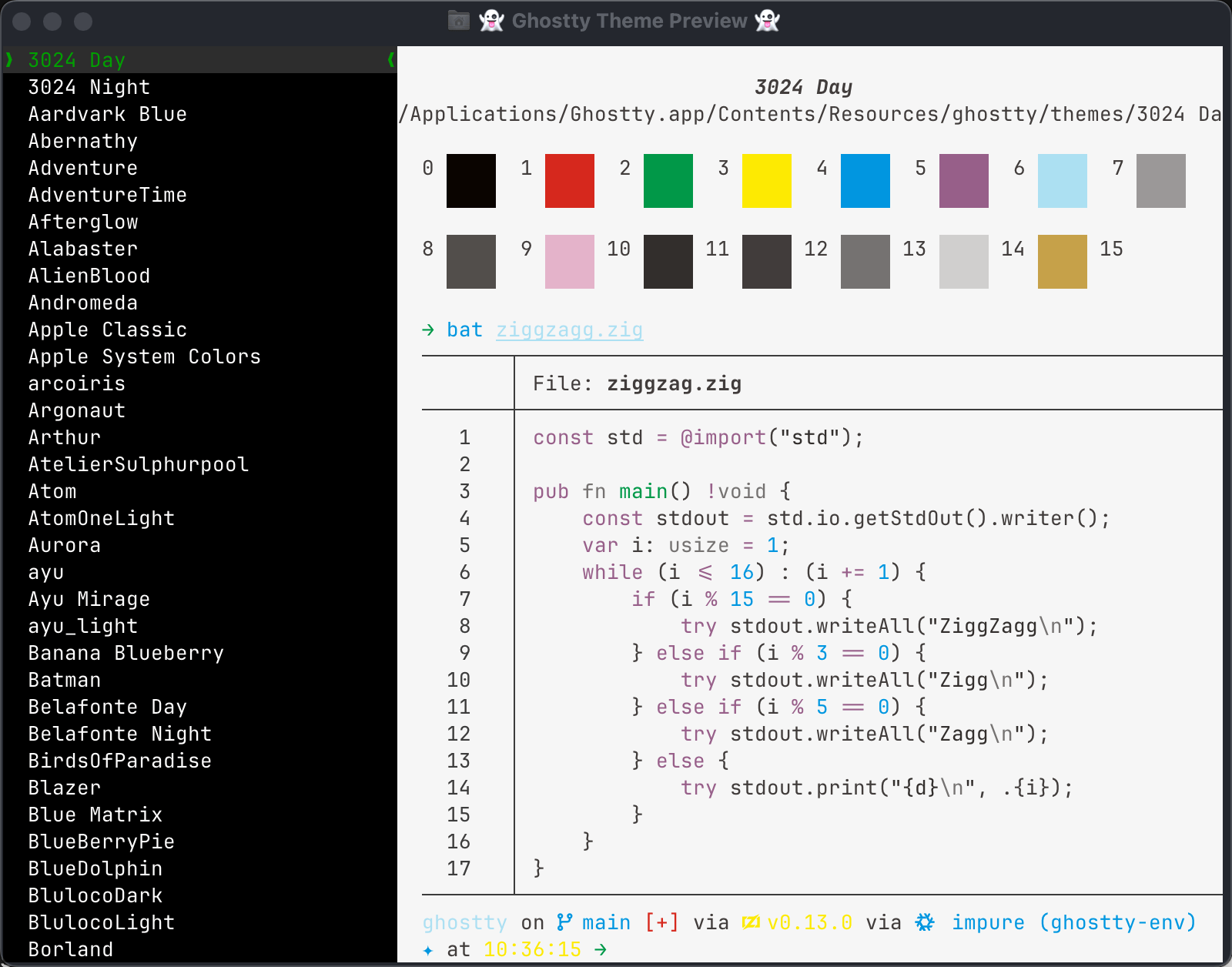
Ghostty 内置了很多的主题可供选择,并且也提供单独的命令来预览主题:
ghostty +list-themes
在配置文件 ~/.config/ghostty/config 中设置想要的主题:
theme = catppuccin-mocha
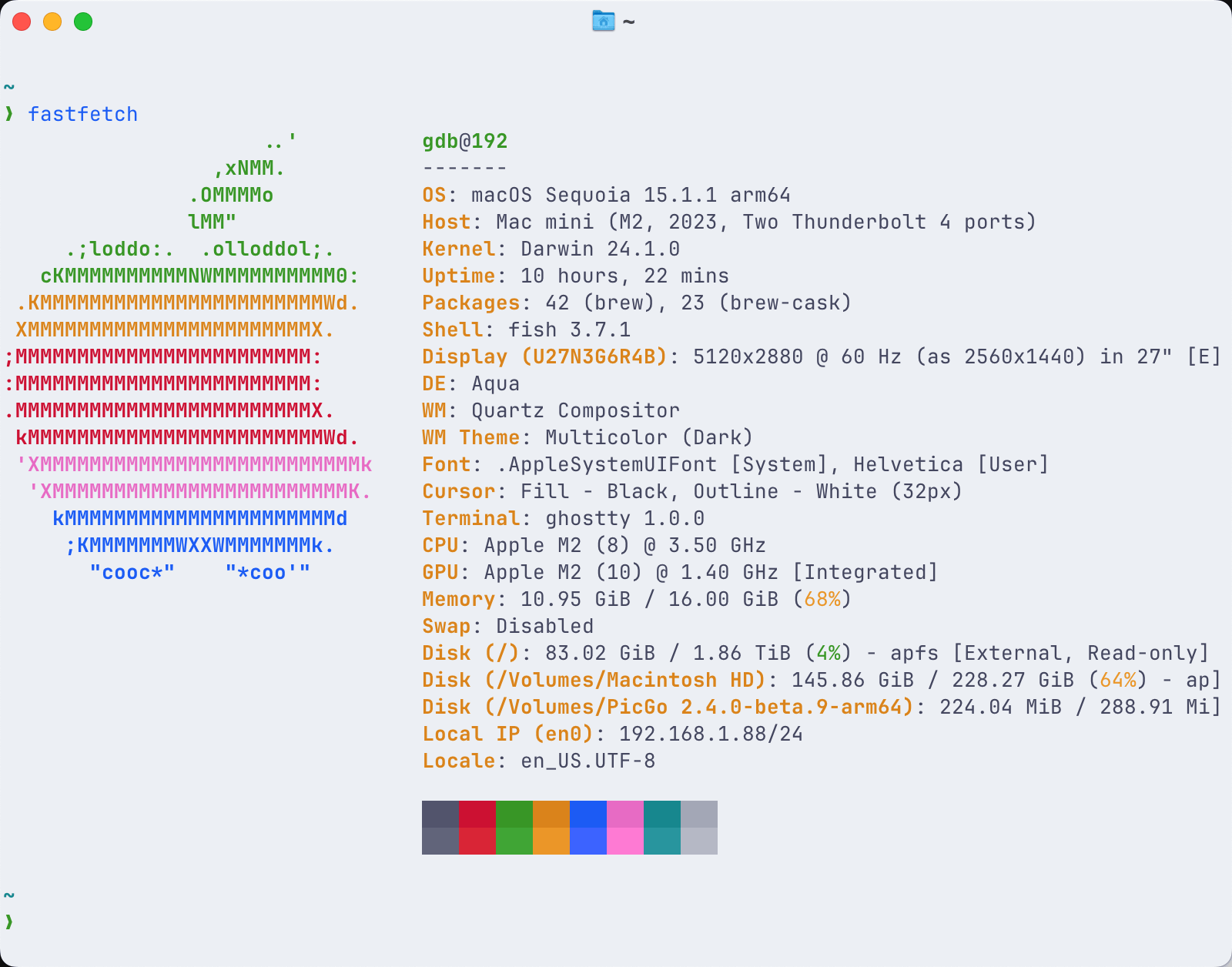
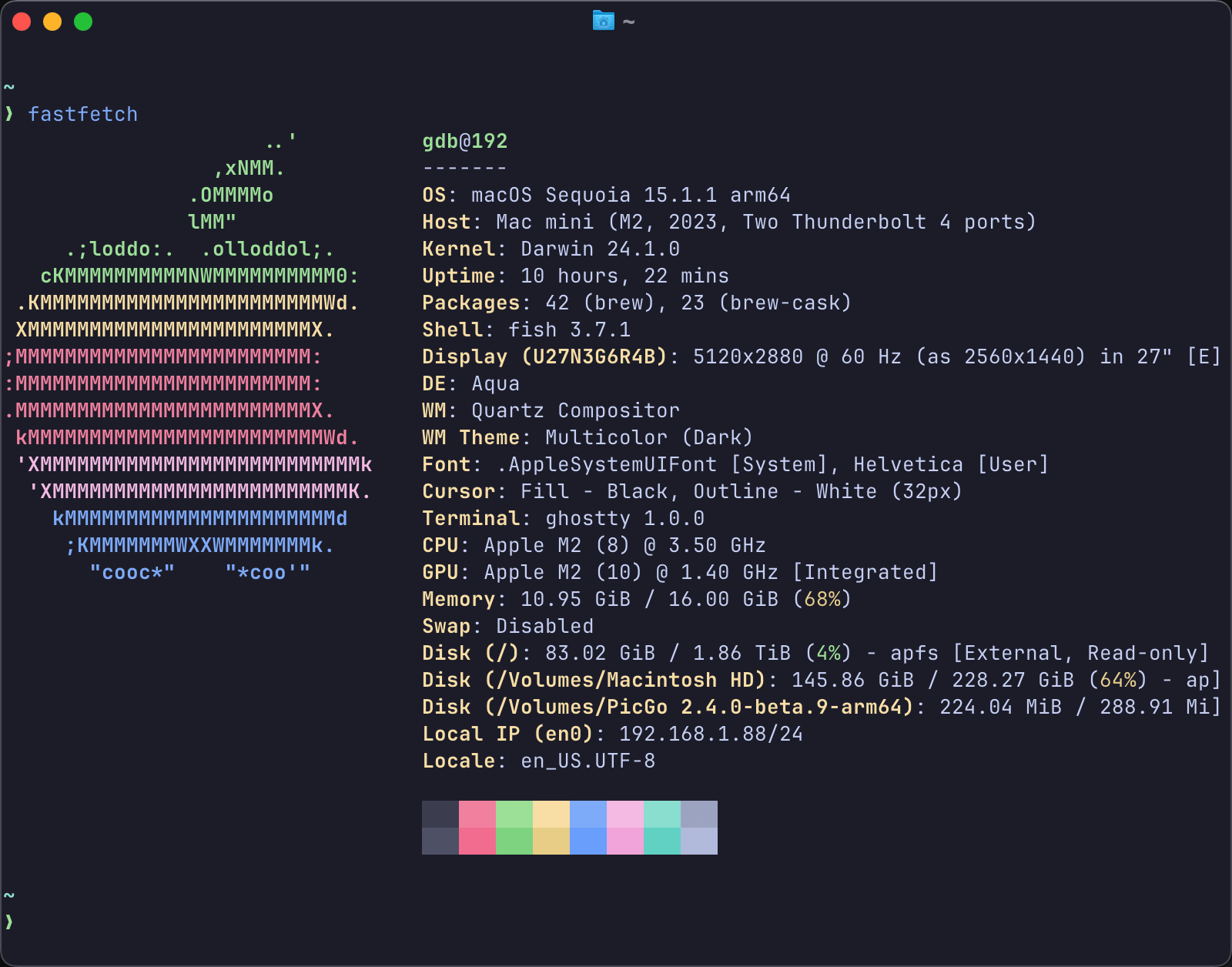
还支持同时设置在深色和浅色模式下的主题,当系统桌面主题发生变化时同步变化,使用以下语法:
theme = dark:catppuccin-mocha,light:catppuccin-latte
字体设置
Ghostty 中虽然内置了Jetbrains Mono字体,但也不妨碍用户自行设置想要的字体,并且专门提供了命令查看系统中安装过的可用字体:
ghostty +list-fonts
可以从中选择自己喜欢的进行设置:
font-family = VictorMono Nerd Font Mono
font-size = 12
font-feature = ss01,ss02,ss03,ss04,ss05,ss06,ss07,ss08
效果如下:
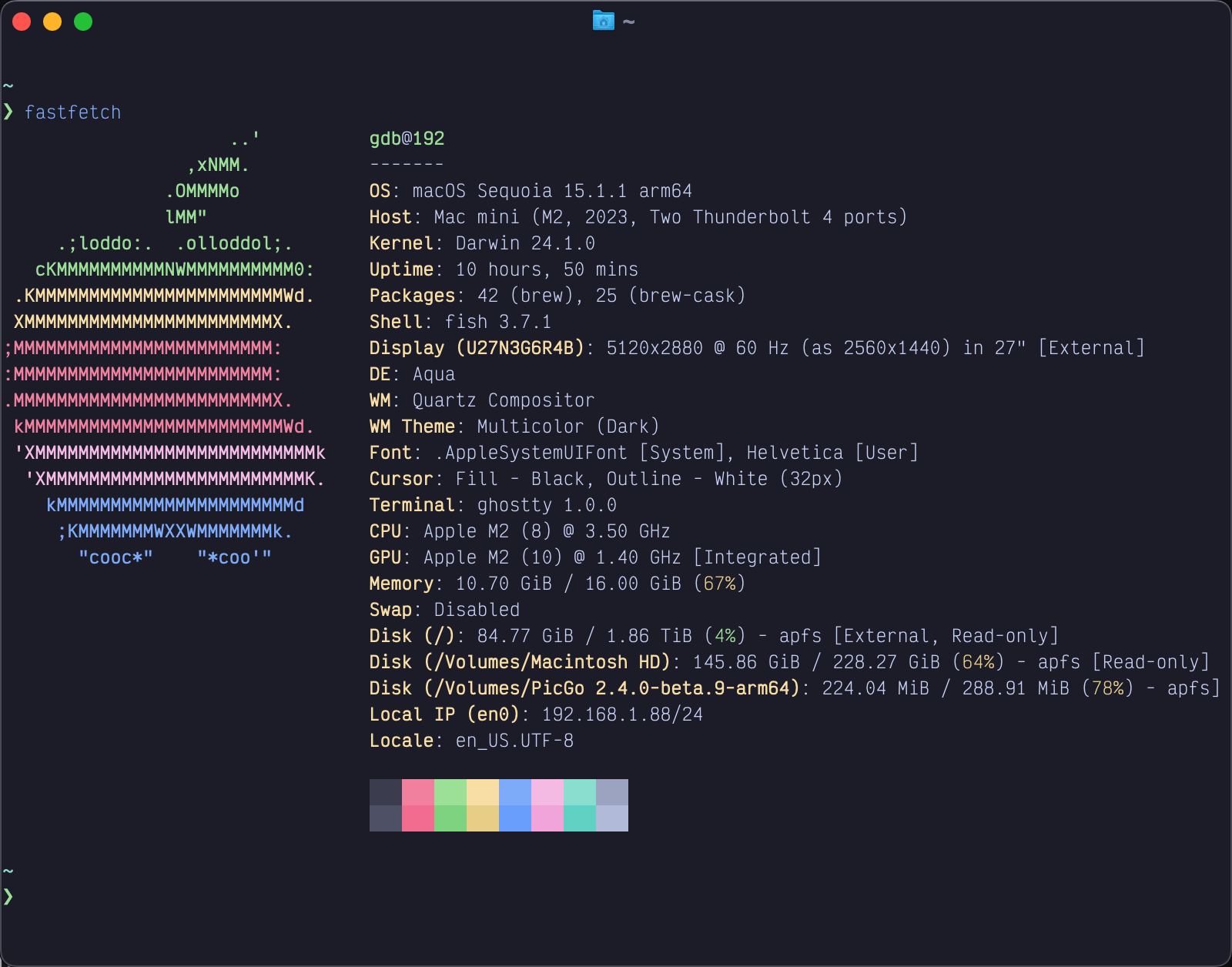 Ghostty 支持的字体配置还有很多,这里只是常用的部分。
快捷键设置
与上述主题设置和字体设置类似,Ghostty 也提供了查看当前快捷键列表的功能:
ghostty +list-keybinds
会输出所用相关的快捷键以及其作用,方便用户进行查看,默认快捷键如下:
super + alt   + shift + j               write_scrollback_file:open
super + alt   + shift + w               close_all_windows
super + alt   + i                       inspector:toggle
super + alt   + right                   goto_split:right
super + alt   + down                    goto_split:bottom
super + alt   + left                    goto_split:left
super + alt   + up                      goto_split:top
super + ctrl  + equal                   equalize_splits
super + ctrl  + down                    resize_split:down,10
super + ctrl  + left                    resize_split:left,10
super + ctrl  + up                      resize_split:up,10
super + ctrl  + f                       toggle_fullscreen
super + ctrl  + right                   resize_split:right,10
super + shift + down                    jump_to_prompt:1
super + shift + w                       close_window
super + shift + left_bracket            previous_tab
super + shift + right_bracket           next_tab
super + shift + up                      jump_to_prompt:-1
super + shift + comma                   reload_config
super + shift + enter                   toggle_split_zoom
super + shift + j                       write_scrollback_file:paste
super + shift + d                       new_split:down
ctrl  + shift + tab                     previous_tab
super + page_up                         scroll_page_up
super + physical:four                   goto_tab:4
super + w                               close_surface
super + physical:eight                  goto_tab:8
super + down                            jump_to_prompt:1
super + enter                           toggle_fullscreen
super + t                               new_tab
super + c                               copy_to_clipboard
super + physical:one                    goto_tab:1
super + equal                           increase_font_size:1
super + physical:three                  goto_tab:3
super + physical:zero                   last_tab
super + right                           text:\x05
super + d                               new_split:right
super + plus                            increase_font_size:1
super + q                               quit
super + home                            scroll_to_top
super + left                            text:\x01
super + comma                           open_config
super + minus                           decrease_font_size:1
super + a                               select_all
super + n                               new_window
super + page_down                       scroll_page_down
super + left_bracket                    goto_split:previous
super + physical:nine                   goto_tab:9
super + right_bracket                   goto_split:next
super + end                             scroll_to_bottom
super + zero                            reset_font_size
super + physical:five                   goto_tab:5
super + physical:seven                  goto_tab:7
super + up                              jump_to_prompt:-1
super + k                               clear_screen
super + physical:two                    goto_tab:2
super + physical:six                    goto_tab:6
super + v                               paste_from_clipboard
alt   + left                            esc:b
alt   + right                           esc:f
ctrl  + tab                             next_tab
shift + up                              adjust_selection:up
shift + left                            adjust_selection:left
shift + page_up                         adjust_selection:page_up
shift + end                             adjust_selection:end
shift + right                           adjust_selection:right
shift + page_down                       adjust_selection:page_down
shift + down                            adjust_selection:down
shift + home                            adjust_selection:home
自定义快捷键的方式也很简单,这里我只修改了切换Tab的快捷键为alt键加左右键:
keybind = alt+left=previous_tab
keybind = alt+right=next_tab
总结
经过几天的体验,Ghostty 给我的感觉非常不错,在默认配置的基础上就已经非常好用了,适合不想折腾配置文件和各种复杂设置的朋友们,另外还提供了方便的命令查看主题、字体、快捷键等等来帮助用户自定义属于自己的终端世界。
另外本文只是介绍了冰山一角,更多功能和配置选项可以查看官网配置页面。